> ## Documentation Index
> Fetch the complete documentation index at: https://docs.mattildapayments.com/llms.txt
> Use this file to discover all available pages before exploring further.
# Magento Frontend
## Checkout page
Once the module is installed and configured, you should see the mattilda Pay
payment method listed in the Payment Method section on the checkout page.
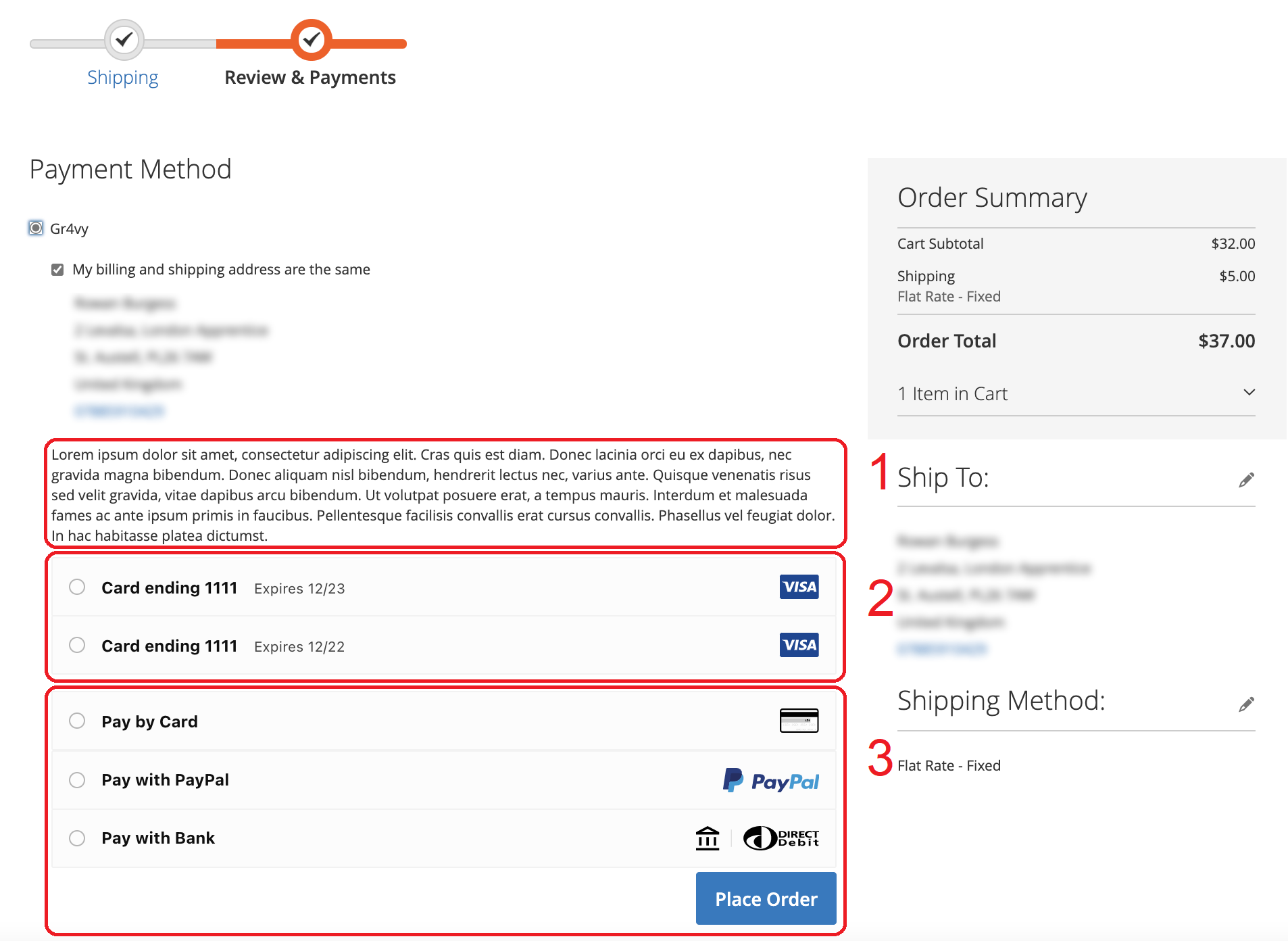 1. The description will change depending on the configuration value specified in
the admin
2. Card details the customer opted to save from previous transactions
3. Available payment options as configured in your merchant dashboard.
## Customer account dashboard
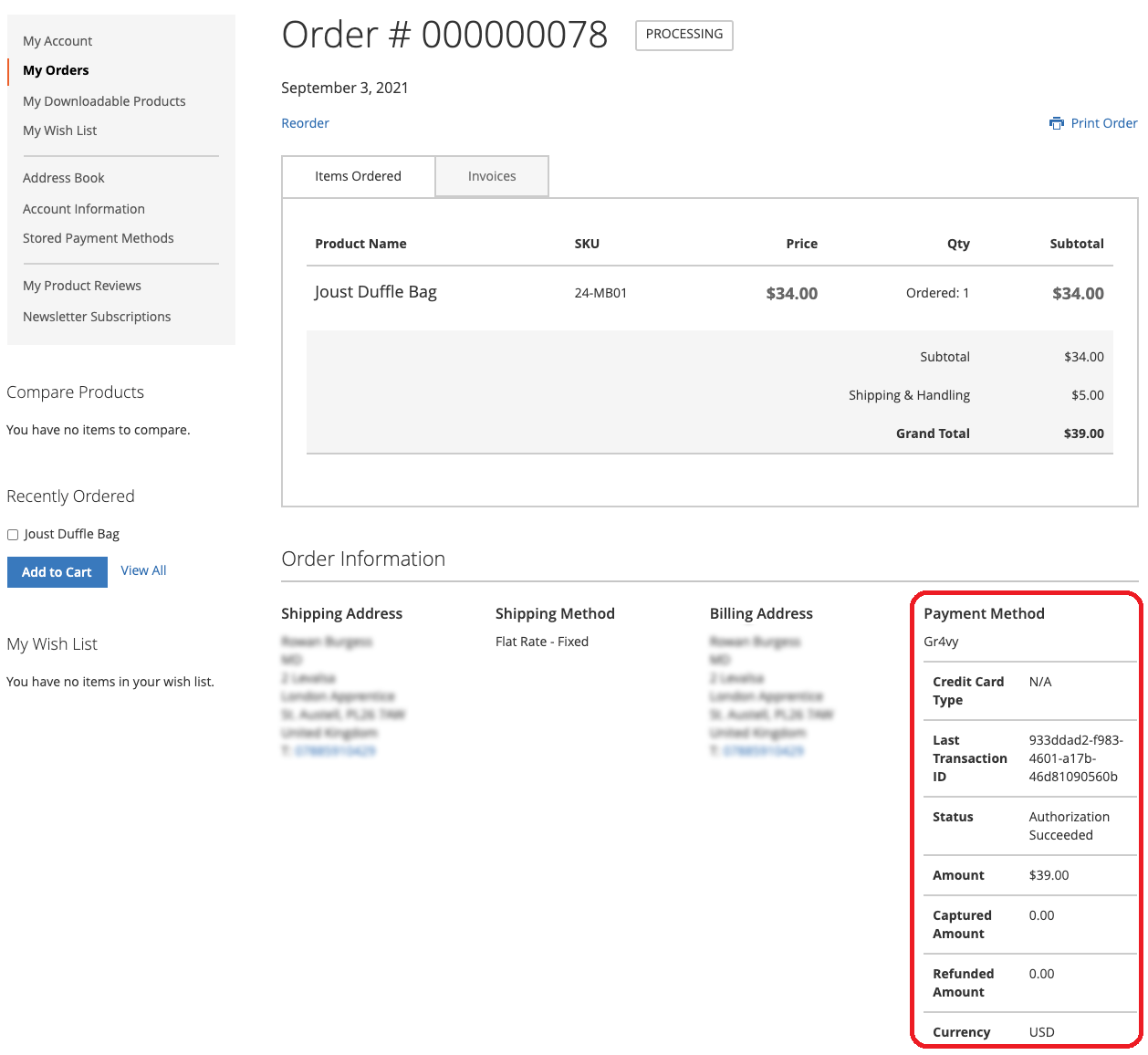
Logged in customers will see payment information within the order details
page.
1. The description will change depending on the configuration value specified in
the admin
2. Card details the customer opted to save from previous transactions
3. Available payment options as configured in your merchant dashboard.
## Customer account dashboard
Logged in customers will see payment information within the order details
page.